Luna is your smart closet that creates outfits for you.
Upload closet photos and Luna turns them into a clean wardrobe grid—auto-crops items, auto-generates names/tags/colors, and builds complete outfits from what you already own.
Wardrobe preview
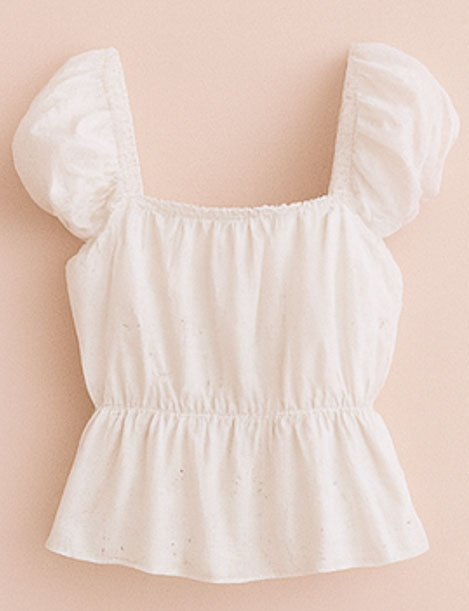
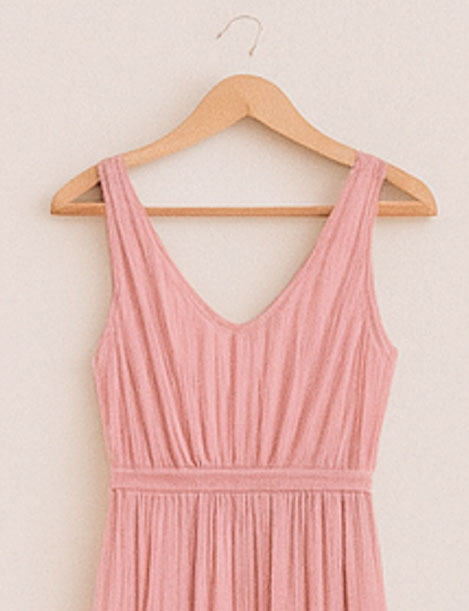
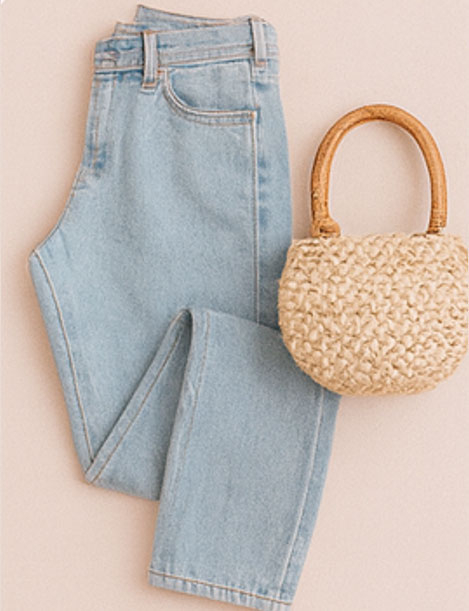
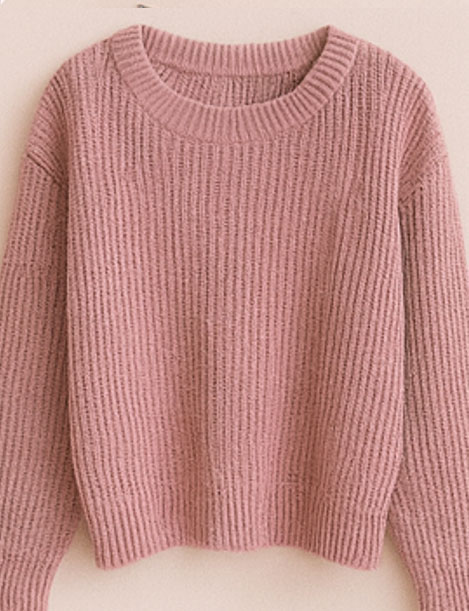
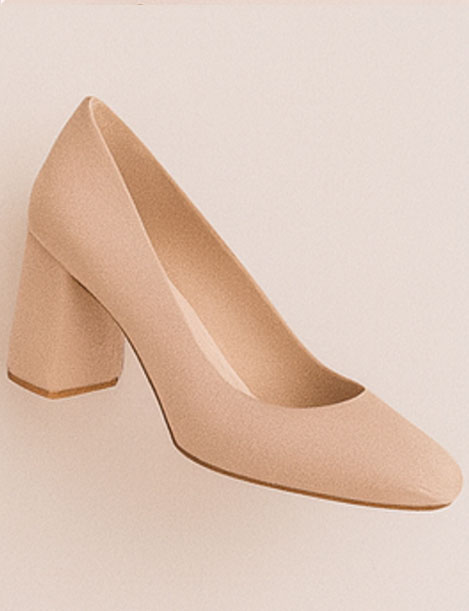
Why this matters
When everything looks consistent, choosing outfits becomes fast and stress-free.
What Luna does
Luna is a wardrobe keeper + stylist. She turns uploads into a structured closet, then uses that wardrobe memory to generate outfits and planning flows.
Smart Upload & Crop
Fastest setupUpload one item or a multi-piece layout photo. Luna suggests crops instantly—then you refine them with adjustable boxes for boutique-clean thumbnails.
- Single or multiple pieces per photo
- Auto-crop suggestions
- Drag/resize boxes before saving
AI Auto-Details
Zero busyworkLuna generates the “boring metadata” automatically so your wardrobe becomes searchable and outfit-ready—then you can edit anything with one click.
- Auto name + description
- Auto tags + categories
- Auto colors for matching
Ask Luna (Outfits)
Instant outfitsTell Luna the moment + vibe and she builds a complete outfit from your selected wardrobe—so recommendations stay grounded in what you own.
- Wardrobe-trained suggestions
- Full outfit in seconds
- Instant preview render
How Luna helps you
Luna is designed to reduce decision fatigue and make getting dressed feel easy—without requiring a shopping spree or a complicated process.
Stop “nothing to wear” spirals
You’ll always have saved looks and quick combos ready to go.
Get dressed in minutes
Less decision fatigue. More calm mornings.
Wear more of what you own
Luna helps you rediscover forgotten pieces and remix them.
Look consistently put-together
Clean thumbnails + smart tags make choosing feel effortless.
Pack smarter
Build travel-ready capsules and plan outfits ahead of time.
Shop with intention
When you do buy, Shop with Luna suggests complements anchored to your wardrobe.
The Luna flow
A simple pipeline: upload → clean crops → auto-details → outfits → planning. Designed for speed, clarity, and calm.
1) Upload
Drop a photo (single item or multi-piece layout)
Snap a quick photo and upload. Luna analyzes it and proposes wardrobe-ready items.
Near-instant2) Fix crops
Adjust the boxes until it looks perfect
Drag/resize the translucent crop boxes so each item is clean, centered, and consistent in your wardrobe grid.
You’re in control3) Review + save
AI fills details, you approve
Luna generates names, descriptions, tags, categories, and colors. Edit anything, then save to wardrobe.
Auto-enriched4) Create outfits
Ask Luna for a full look
Pick the vibe and occasion. Luna builds a complete outfit from what you already own—fast.
Wardrobe-grounded5) Plan the week
Turn outfits into a routine
Use the Planner to map looks across your week. Fewer surprises, more confidence.
Calm mornings
Made for real life
Luna shines when life moves fast—work weeks, travel days, special plans, and everything in between.
Travel days
Build a mini capsule and get outfits that are practical + cute for the itinerary.
Work weeks
Save your “safe wins,” remix them, and rotate through polished looks without thinking.
Date nights
Tell Luna the vibe and get complete outfits that feel intentional and confident.
Shopping (optional)
Pick wardrobe anchors and Shop with Luna curates complements that actually match what you own.
Users feel the difference fast
Less decision fatigue. More confidence. A wardrobe you actually use.
“I stopped doom-staring at my closet. I upload, save a few looks, and I’m out the door.”
Andrea
Creator • Busy mornings
“The crop boxes are everything. My wardrobe grid looks curated even from quick snaps.”
Jess
Student • Capsule-ish wardrobe
“Planner + saved outfits turned my mornings into five minutes of calm. It’s the routine, not the shopping.”
Priya
Professional • Travel weeks
Questions, answered
Can I upload multiple pieces in one photo?+
Yes. Upload a layout photo and Luna will suggest multiple items—then you refine crops and save each piece.
Do I control the crop?+
Yes. Luna proposes crops, then you drag/resize the translucent boxes until each item looks perfect.
Does Luna auto-generate details like tags and colors?+
Yes. Luna auto-fills names, descriptions, categories, tags, and colors—and everything is editable before saving.
Do outfits use my wardrobe?+
Yes. Ask Luna builds outfits from your selected wardrobe so suggestions stay grounded in what you own.
Privacy note
Your wardrobe is private by default. Luna is designed to help you feel confident—without feeling exposed.
Your closet, organized. Your outfits, handled.
Start with one upload. Let Luna turn it into a usable wardrobe—and a calmer routine.
Quick win: upload 10–15 pieces and save 3 looks. Your mornings change immediately.
Ready to start?
Upload → crop → auto-details → outfits